
Automatic platform detection
Paste a supported public URL and ClapClip identifies the source before you choose the output.
Download videos. Transcribe. Enhance. Create.
ClapClip is a Windows creator downloader built around local files, familiar folders, resumable queues, and the AI tools that come next. No browser extension is required.
Download for WindowsWindows 10 & 11
Paste a supported public URL and ClapClip identifies the source before you choose the output.
Review available title, thumbnail, duration, author, platform, formats, and resolution in the desktop app.
Mix supported links in one queue and keep the existing history, retry, and resume workflow.
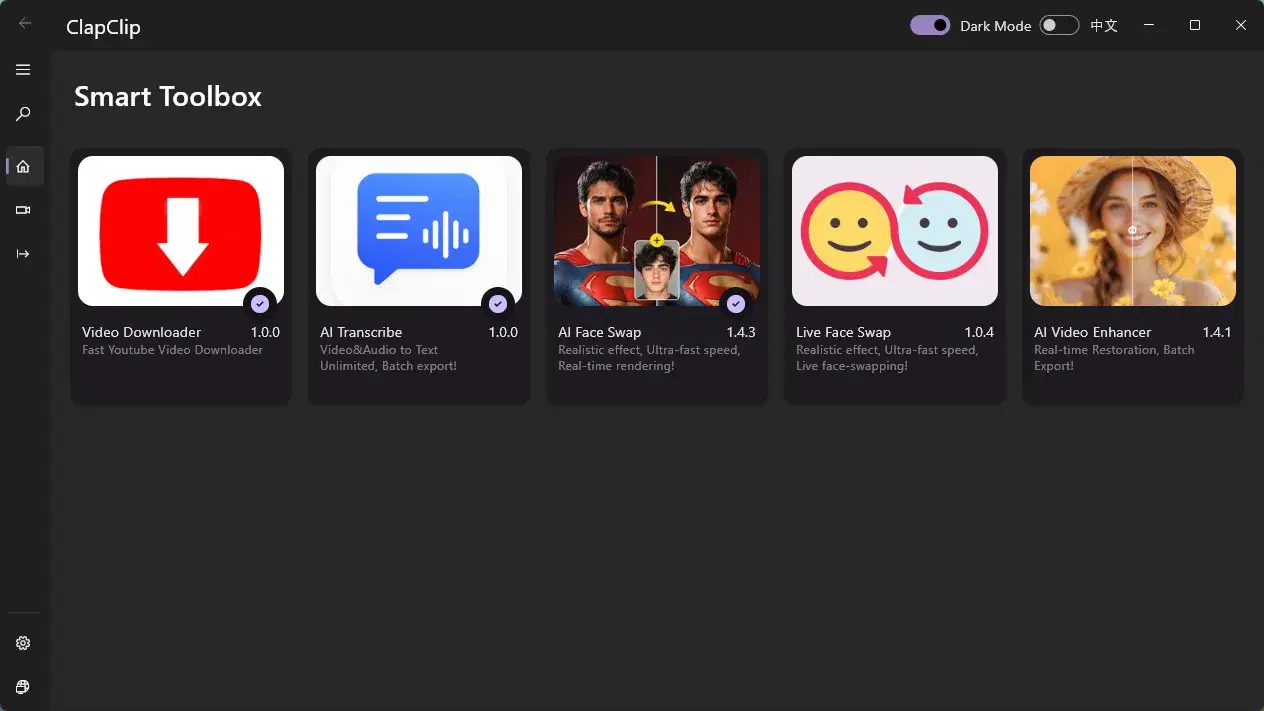
Move local files into transcript, subtitle, enhancement, or face-swap workflows.
Open the public videos you are allowed to save and copy its URL.
ClapClip detects the platform and reads the metadata and available formats exposed for the URL.
Select an available video resolution or audio output, then add more links when you need a batch.
Save locally, then generate a transcript, enhance the video, export subtitles, or open face swap.
Availability depends on the link, access permissions, and formats offered by the source. Check the available options in the Windows app before downloading.
YouTube
videos, Shorts, playlists, channels
TikTok
videos and creator links
Reels and public video posts
X / Twitter
public posts with video
posts and hosted videos
Twitch
VODs and clips
Vimeo
public videos
public videos and Reels
SoundCloud
public tracks and playlists
Bilibili
public videos
Dailymotion
public videos
| Video | Up to source quality | depends on the source URL |
|---|---|---|
| Audio | Source audio / MP3 | where available |
| Batch | Multiple URLs | queue, retry, and resume |
Paste with Ctrl+V, choose a folder, and leave the queue running like normal desktop software. ClapClip turns permitted public videos into organized local source files instead of a trail of converter tabs. Preview the source, choose the output, and keep useful context attached to the file.
The existing downloader remains the foundation: add multiple URLs, reuse output settings, retry temporary failures, resume interrupted work, and review download history. Multi-platform support expands accepted links without replacing the proven queue.
The Windows app fetches media to your selected local folder instead of uploading your working file to a ClapClip web converter. Follow-up transcription, enhancement, subtitle, and face-swap workflows can also stay on your PC.
A source clip often needs more work. ClapClip connects downloads to AI transcription, subtitle export, video enhancement, and face swap so creators can move from permitted source media to an editable asset in one toolkit.
ClapClip is a Windows workflow for collecting permitted source media and doing something useful with it next. It combines a resumable queue with local AI tools instead of sending each link through an ad-heavy one-file web converter.
Your video is ready
Paste a supported public Windows URL and the Windows app will show the formats and quality it can access before downloading. Availability can change when the source platform changes its delivery rules.
No. The source is fetched directly to your selected local folder and stays in your Windows creator workflow.
Yes. Add multiple supported public links, apply shared output settings, and use the existing retry and resume queue.
ClapClip supports 64-bit Windows 10 and Windows 11.
Download only media you own, have permission to save, or that is offered under a license allowing downloads. Respect copyright, creator rights, and each platform's terms.
Download only content you own, have permission to save, or that is offered under a license permitting downloads. Respect creators, copyright, and platform terms.