
Batch Face Swap
Batch face swap lets you run face swaps across many files at once instead of one at a time. Backed by GPU acceleration, it's built for creators and teams who need to ship volume without the manual grind.
Batch Face Swap
Watch the demo to see ClapClip in action — the result below shows the original and the AI-processed version side by side.
- Queue and process multiple files in a single pass
- GPU-accelerated rendering for fast local turnaround
- Consistent results across an entire set of clips or images
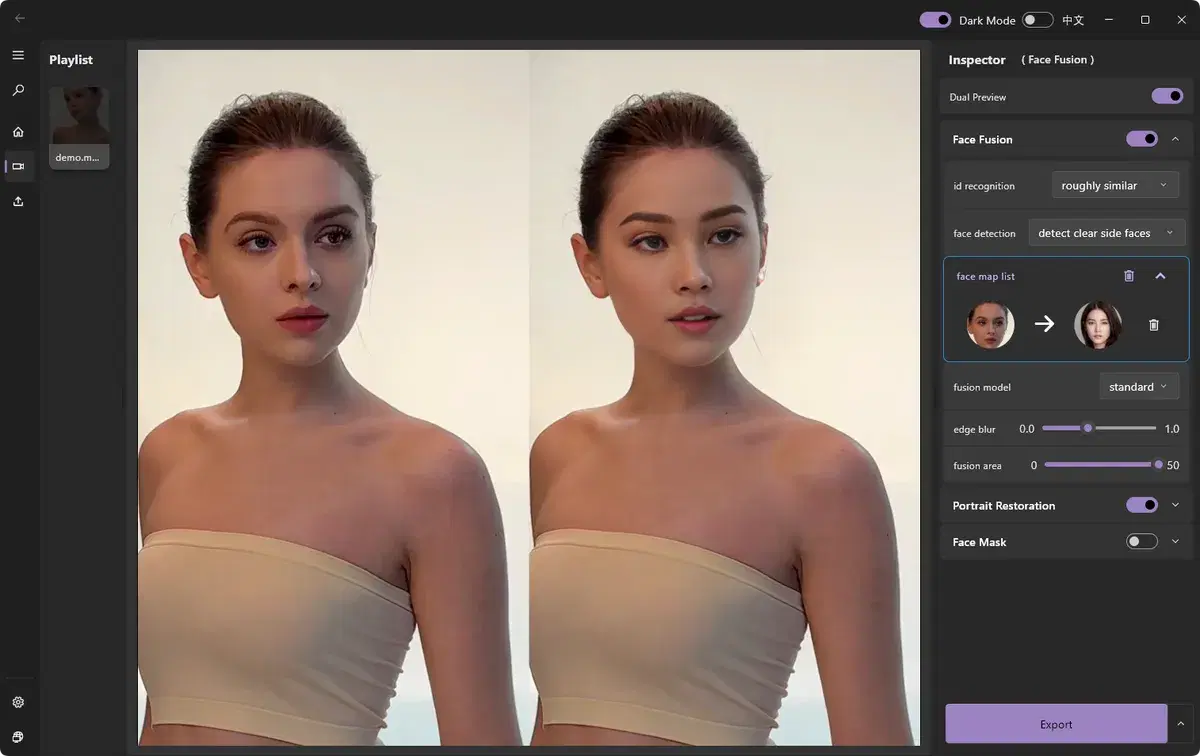
How it works
- 1
Add your files
Select the batch of videos or photos to process.
- 2
Set the target face
Apply a source face or template across the batch.
- 3
Run the batch
Let ClapClip AI process every file using your GPU.
- 4
Export all
Save the finished results together.
Related
AI Video Face Swap
Swap faces in any video clip with frame-by-frame AI tracking, a live preview, and fully local processing on your Windows PC.
Long Video Face Swap
Face swap long videos on Windows with no uploads or clip-length limits. Preview results live, track faces frame by frame, and process locally on your GPU.
Batch Video & Image Enhancement
Enhance multiple videos and images at once. ClapClip's batch mode processes a folder of files on your Windows GPU — no per-file limits, fully local.
Best Face Swap Software for PC and Windows in 2026
Compare face swap software for PC and Windows. See why ClapClip is a strong offline choice for private video, long clips, photos, and live camera swaps.