
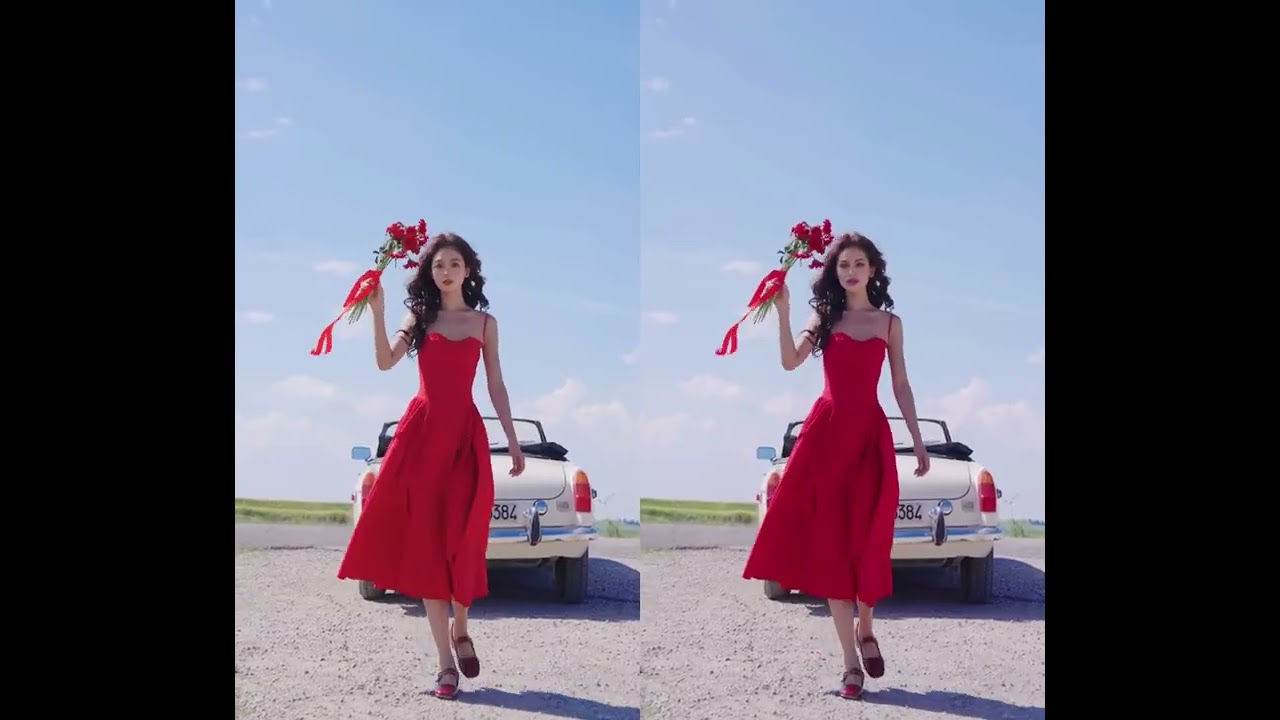
 Before & After
Offline Face Swap on Windows
Watch an offline AI face swap tutorial on Windows and see how ClapClip processes video locally without uploading source footage.
Compare original footage with real ClapClip outputs. Each result page focuses on a specific face swap workflow and places the video first so tracking, expression matching, and blending are easy to inspect.
Watch the demo to see ClapClip in action — the result below shows the original and the AI-processed version side by side.
Watch the dedicated before-and-after result →Before & AfterWatch an offline AI face swap tutorial on Windows and see how ClapClip processes video locally without uploading source footage.
 Before & After
Watch a long-video AI face swap workflow and learn how local GPU processing avoids cloud duration limits and per-minute fees.
 Before & After
Watch a real-time face swap tutorial and see how ClapClip previews imported video changes locally on Windows before the final export.
 Before & After
See how ClapClip face swap software works on Windows 10 and 11 with local GPU processing, real-time preview, and a simple one-click video workflow.
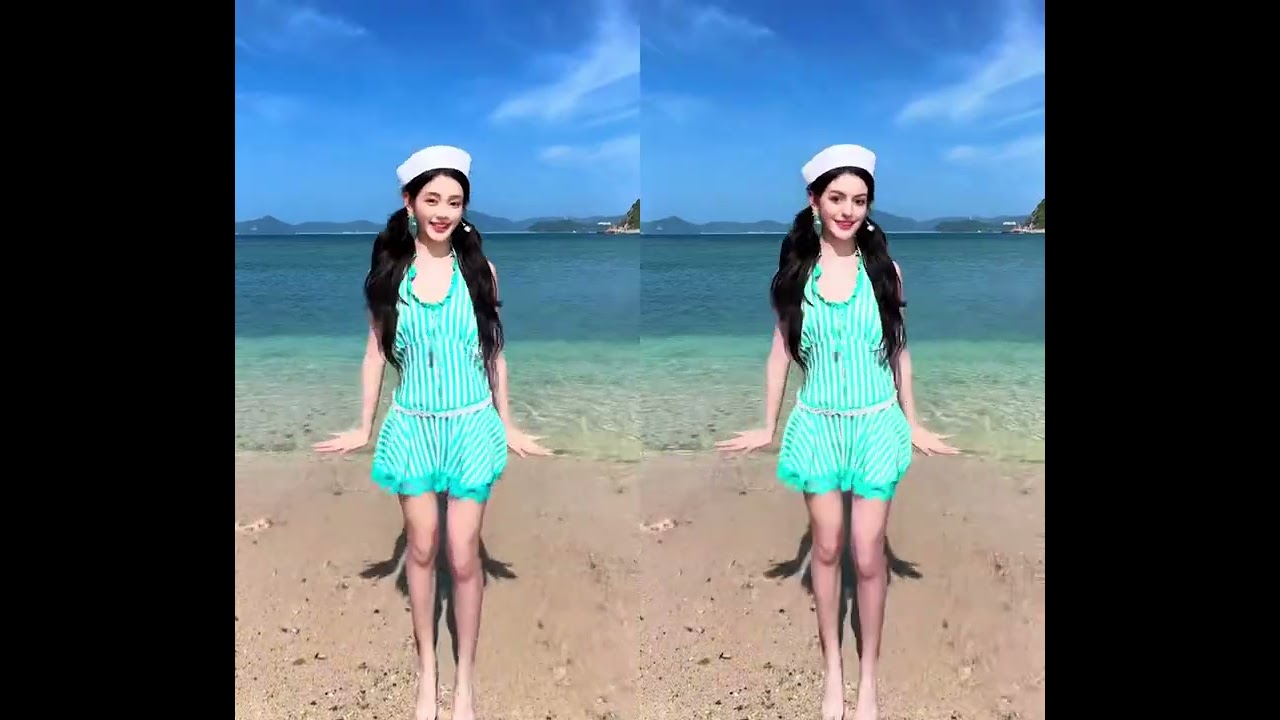 Before & After
Watch a batch face swap workflow and learn how ClapClip creates repeatable video variations locally on Windows without upload queues or per-clip cloud fees.
 Before & After
Inspect a realistic AI face swap before-and-after video, including skin-tone blending, expression matching, and frame-to-frame stability.