
Face Swap for TikTok
Short-form moves fast. ClapClip lets you create face-swap TikToks quickly on your PC, with real-time preview and fast local exports — and your footage never leaves your device.
- Fast local exports
- Real-time preview
- No watermarks or credits
- Private processing
Windows 10 & 11
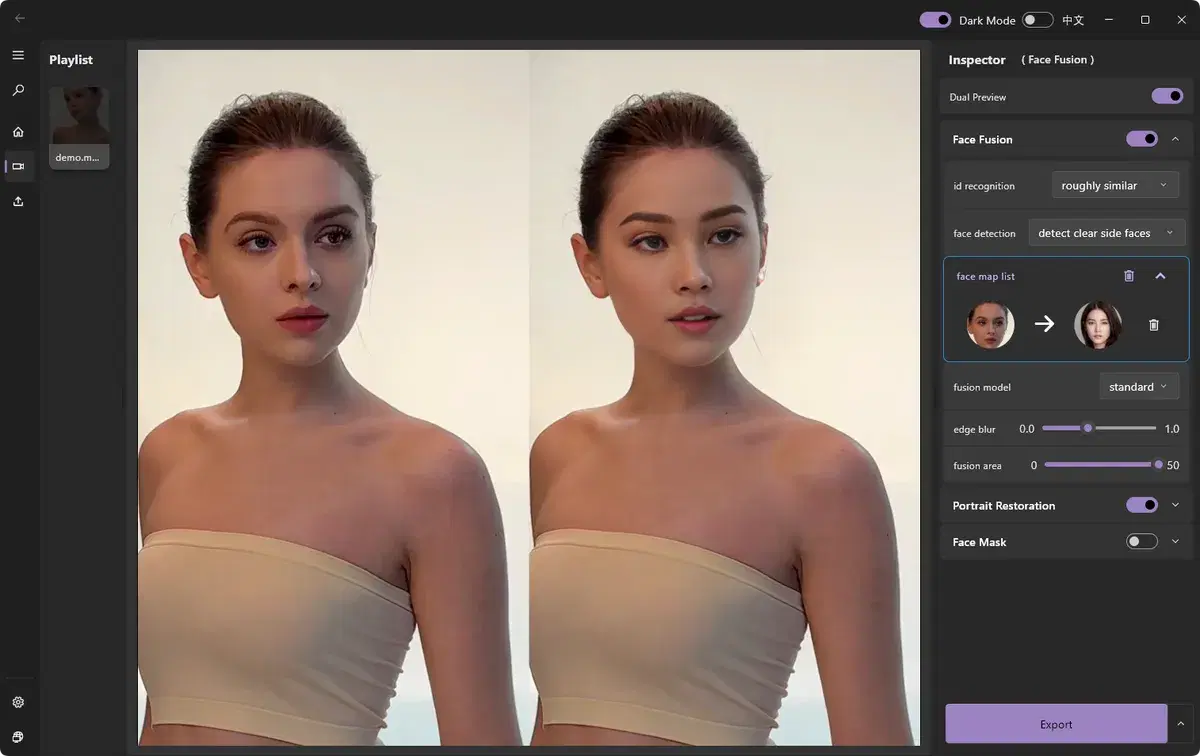
The problem
Cloud apps add upload time and watermarks, and meter your usage just as you're trying to post daily.
Why existing tools fail
Per-clip credits and queues kill the rapid iteration short-form demands.
Why ClapClip works
Local, GPU-accelerated exports and live preview mean you can produce and post fast, without limits.
FAQ
Is ClapClip good for short-form content?
Yes — fast local exports and live preview make quick TikTok edits easy.
Are there watermarks?
No watermarks; you export clean video locally.
Related
Also useful in ClapClip
AI Video Quality Enhancer
Improve overall video quality with AI on Windows. Denoise grain, sharpen soft detail, and apply light upscaling locally on your GPU.
Subtitle Transcription
Generate subtitles from video free on Windows. ClapClip transcribes speech to timestamped subtitles with Whisper accuracy — offline, no uploads.
Video Avatar Generator
A video avatar generator that turns a photo into a speaking on-camera avatar. ClapClip renders talking video avatars locally on Windows — GPU-accelerated, private, no uploads.