
Unlimited AI Face Swap for Windows — Long Videos. Fast. Private.
Create realistic face swaps on your PC with real-time preview and GPU acceleration. No uploads. No video length limits. Your media never leaves your computer.
- Windows 10 & 11
- NVIDIA / AMD / Intel GPU
Why Creators Choose ClapClip AI
Powerful AI tools built for professional and creative video workflows.
Smart Face Recognition
Automatically detect and track faces across every frame for seamless, natural-looking swaps.
High-Quality Output
Preserve lighting, expression, and detail for results that hold up in close-ups and high resolution.
Fast Processing
GPU acceleration supports local face-swap preview and rendering on Windows.
Photo & Video Support
Work with single images or full video clips using the same simple workflow.
Built for Creators
Ideal for filmmakers, advertisers, photographers, and social media content creators.
Privacy First
For Windows face swaps, source photos and videos are processed on your PC. Online tools are separate services.
Explore every ClapClip tool
Find the Windows workflow for each task. Linked online tools are separate services.
How It Works
Import your video
Open a video or photo directly from your PC.
Select a face or template
Pick a clear source face or a built-in template.
Preview in real time
Watch the swap update live as you adjust.
Export in high quality
Render locally with GPU acceleration.
Built for Every Creative Workflow
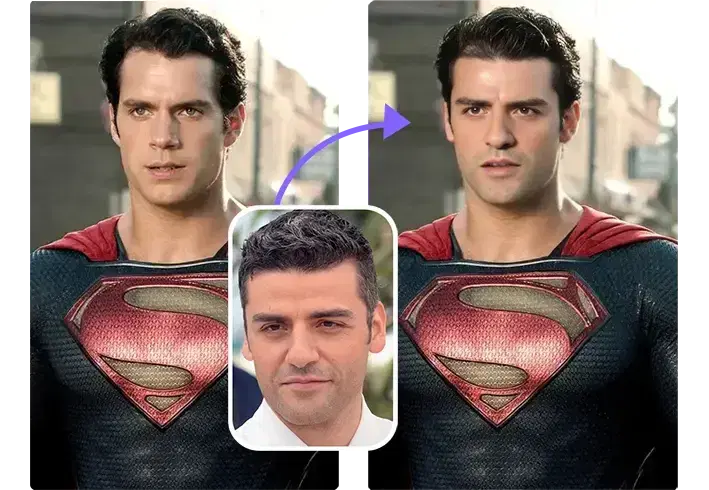
Film & Video Production
Replace stand-in actors, fix continuity issues, or create visual effects without expensive reshoots.
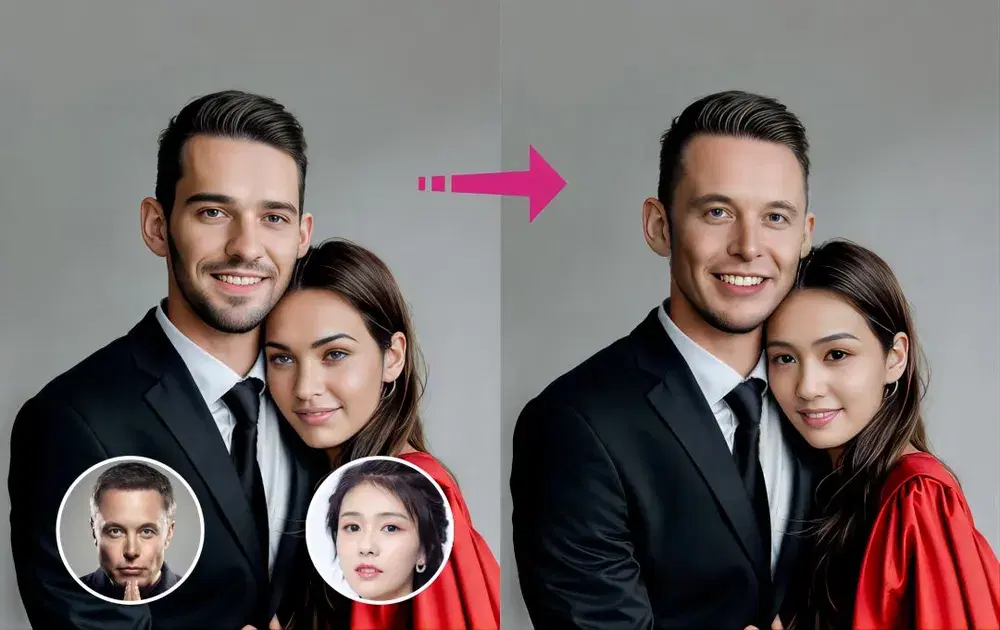
Advertising & Marketing
Localize campaigns and create personalized ad variations quickly and affordably.
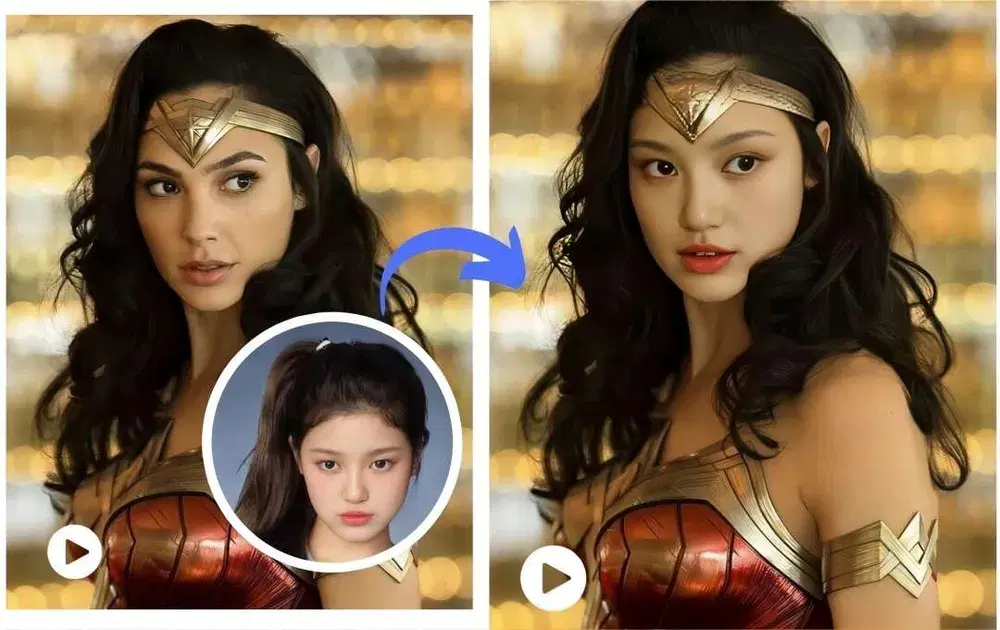
Photography
Perfect group photos by swapping in the best expression for every subject.
Supported Hardware
Windows 10 / 11
NVIDIA RTX Series
AMD Radeon Series
Intel Arc Series
Performance depends on your GPU model and video resolution.
Frequently Asked Questions
Does ClapClip work offline?
The Windows desktop face-swap workflow runs locally once the app and required models are installed. Downloads, updates and online tools need an internet connection.
Do I need to upload my videos?
You do not upload source photos or videos for the Windows desktop face-swap workflow. The linked online tools are separate services.
What GPUs are supported?
NVIDIA, AMD, and Intel GPUs are supported via DirectML.
How long can videos be?
There is no fixed cloud clip-length cap for desktop face swaps. Your GPU, available disk space, resolution and export settings determine what you can process.
Does ClapClip support multiple faces?
Yes, multi-face scenes are supported.
Install ClapClip for Windows
Choose a source photo and test a short video on your PC before exporting a full project.
Windows 10 & 11